As an Amazon Associate, we earn from qualifying purchases. Some links on this site are affiliate links at no extra cost to you. Our recommendations are based on thorough research and editorial judgment.


LED Indicators on Wireless Chargers: What They Mean

LED indicators on wireless chargers communicate essential information about charging status. A blue light signifies active charging, while green means the device is fully charged. An amber light indicates readiness for use. Blinking green suggests charging with possible power interruptions, while red signals compatibility or overheating issues. Understanding these indicators helps in troubleshooting charging problems and guarantees ideal device placement. Explore further to gain insights on maintenance and usage best practices.
Key Takeaways
- Blue LED indicates active charging, meaning the device is properly aligned and charging is in progress.
- Green LED signifies that the device is fully charged and can be removed from the charger.
- Red LED flashes to indicate charging issues, potentially caused by device incompatibility or overheating.
- Amber LED means the charger is ready for use, awaiting device connection.
- Blinking green LED suggests that charging is occurring, but there may be power interruptions affecting the process.
Understanding LED Indicators
You may be interested


LED indicators on wireless chargers play a crucial role in communicating device status. Different colors represent various stages of the charging process: blue indicates active charging, green means fully charged, red signifies inactivity, and amber shows readiness for use. Additionally, a blinking green LED highlights that the sensor is active and charged, while a solid green LED confirms full capacity.
Non-charging states are also discernible. For example, a blinking blue light indicates the charger is waiting for connection or recognizing a new device. By regularly monitoring these LED indicators, users can effectively gauge their wireless charging efficiency. Understanding these signals guarantees devices remain compatible with the wireless charging technology and function at peak performance. Some modern wireless chargers feature self-adaptive LED indicators that automatically adjust brightness to minimize disruption during nighttime use while still providing essential charging status information.
Common Blinking Light Issues
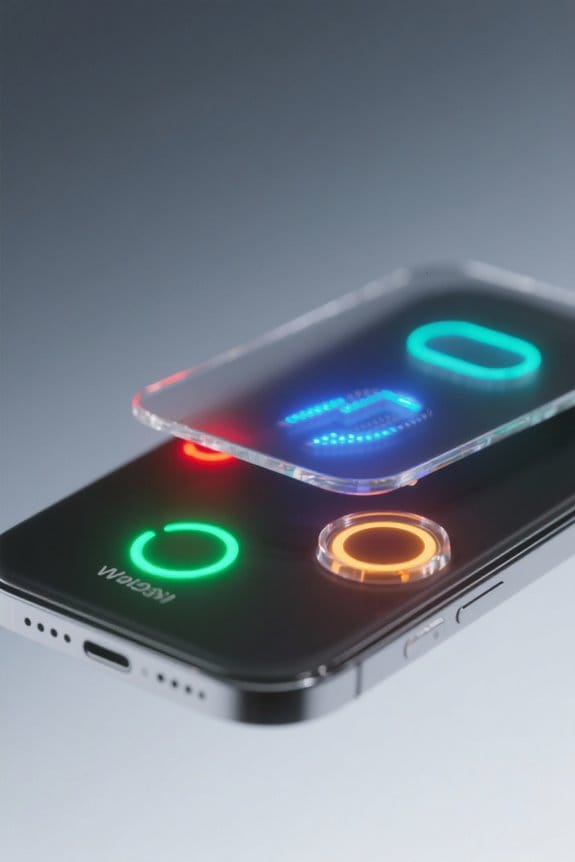
When using a wireless charger, understanding the implications of blinking lights is essential for effective device operation. A blinking green LED indicates that the device is charging but may experience power interruptions. This could mean a less efficient charging process.
In contrast, a blinking blue LED signifies that the wireless charger is powered on and awaiting a new device connection. If the light is blinking white, it suggests the charger is in standby mode or facing connection issues. Ultimately, blinking red lights often signal charging problems like device incompatibility or overheating. Recognizing these blinking indicators allows users to diagnose charging issues effectively, ensuring proper device performance and longevity. While LED indicators provide useful status information, they may be bothersome for light-sensitive sleepers who prefer charging their devices overnight.
Recommended Products

PROPRESS PRESSING TOOL: The only press tool compatible with all RIDGID Standard Series jaws, rings, actuators, and attachments; kit includes 4 ProPress Jaws (1/2" to 2"), an 18-volt battery, charger, and a rugged carrying case

Plug/Connector Type: Terminal Block connection for secure hardwired installation

LR30W Laser Display Receiver is designed to be used as a stand-alone display receiver on grading and equipment, including dozers, scrapers, kid steers, and levelers
Troubleshooting Blinking and Charging Problems

Resolving issues with a wireless charger often begins by understanding the significance of its blinking indicators. A blinking red light typically signals a charging problem due to device incompatibility, overheating, or a fault in the charger. Alternatively, a blinking green light indicates that charging is occurring but may hint at power interruptions.
Proper alignment on the charging pad is essential; misalignment often results in a blinking white light, showing that charging has not started. If foreign objects interfere with the base, the indicator lights will flash, prompting users to remove any metal items. Additionally, inadequate power supply can cause the LED to blink, highlighting the need for a compatible power source. Many modern wireless chargers feature silent breathing LED lights that provide charging status updates without disrupting your environment, making it easier to monitor the charging process in low-light conditions.
Recommended Products

Fast, Targeted Relief - The Hyperice Venom 2 Back combines advanced HyperHeat technology with vibration to deliver fast, even heating across your back. Heats up to 6x faster than standard heating pads for near-instant relief from soreness, stiffness, and tension.
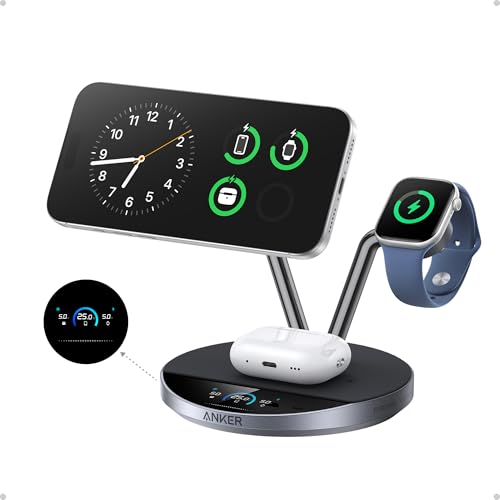
Charge at the Ultra‑Fast Wireless Standard Available: Powered by 25W Qi2.2 ultra-fast charging, your iPhone 17 Pro charges to 50% in just 22 minutes—up to 6× faster than standard 5W wireless chargers. Enjoy the wireless speed you've been waiting for without compromising battery health. Actual performance may vary.
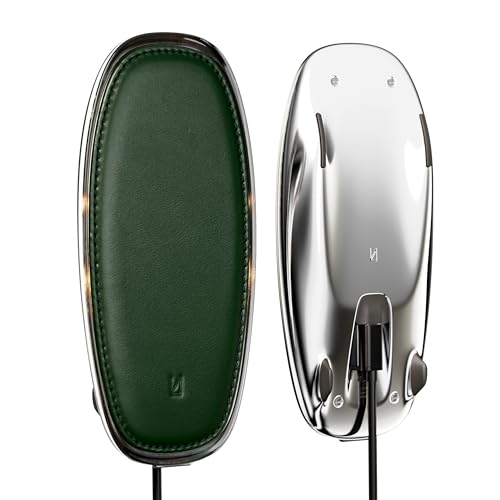
Lunar Artefacts Wireless Charger Lunar Forest Green Leather Chrome Magnetic Charging Pad
Maintaining Your Wireless Charger
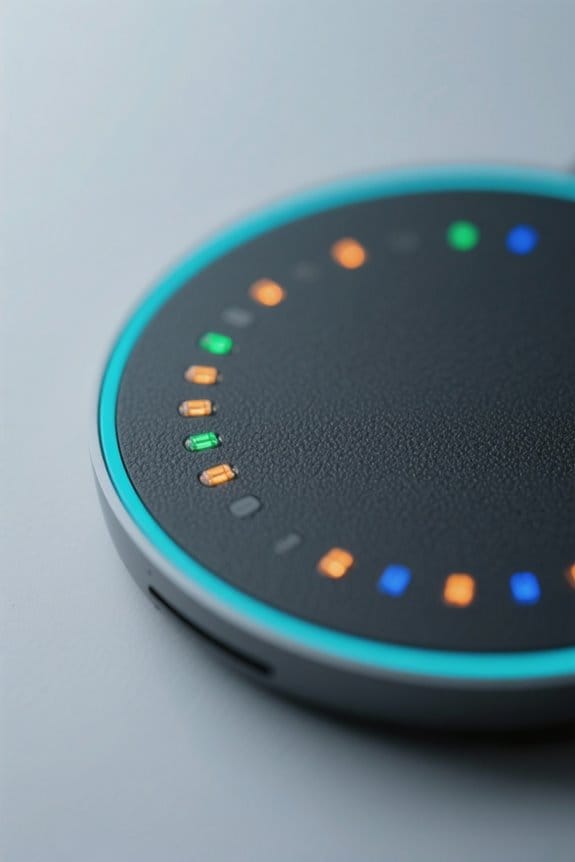
Maintaining a wireless charger is vital for guaranteeing its longevity and effective performance. Regularly clean the charging pad to prevent dust and debris buildup, which can interfere with the charging process and LED indicators. A clean pad guarantees better contact and efficiency during use.
Additionally, periodically check for foreign objects on the charging pad, as these can disrupt charging and damage both the charger and the connected device. Using a high-quality power adapter that meets the charger’s specifications is essential for maintaining performance, while overloading the power adapter or exposing the charger to excessive heat can lead to serious issues. Store the charger in a cool, dry location to avoid overheating and preserve its functionality. Monitor for any signs of wear or damage to chargers or cables, and opt for chargers with warranties to ensure timely support and replacement if issues arise.
Importance of Proper Device Placement
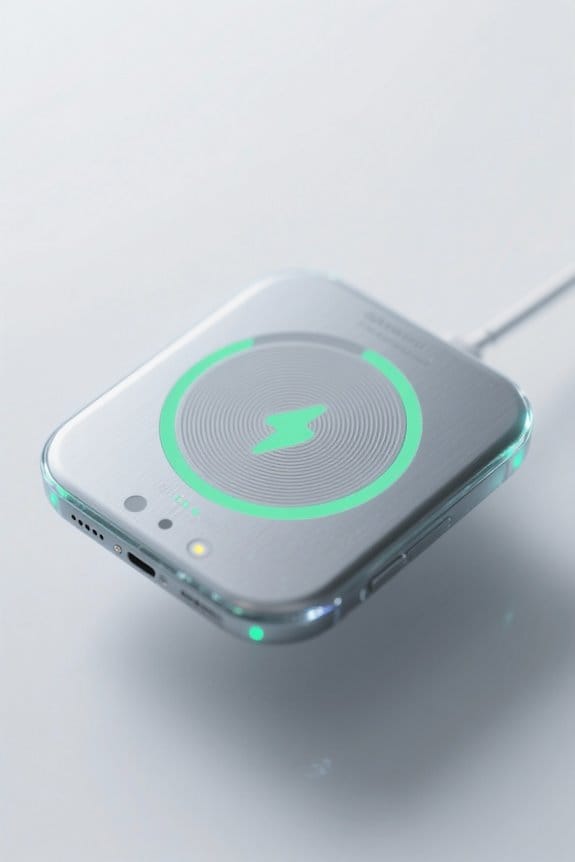
Proper device placement on a wireless charger is vital for guaranteeing charging efficiency and effectiveness. Alignment with the charger’s logo, such as positioning the Blast logo face-up, is essential for activation. When the device is positioned correctly, users will see a flashing blue LED indicator, confirming that charging is underway.
Incorrect placement can lead to the device being unrecognized by the charger, resulting in a red blinking LED, which signals a charging issue. Users should listen for audio tones that affirm correct alignment. Regular checks for proper positioning help avoid unnecessary interruptions, enhancing the overall experience with wireless chargers. Additionally, ensuring that phone cases are no thicker than 5mm allows for seamless charging without needing to remove the case. Proper placement guarantees devices charge accurately and efficiently, providing users with a reliable charging solution.
Frequently Asked Questions
What Does the Light on a Wireless Charger Mean?
What could the lights on a wireless charger be signaling? Wireless charging indicators reveal charging status colors; solid blue confirms charging, while flashing red warns of issues, showcasing common charger signals essential for ideal device performance.
What Does the LED Mean on a Charger?
The LED behavior analysis reveals critical charging status indicators. These signals assist in wireless charger troubleshooting, conveying whether a device is charging, fully charged, inactive, or necessitating attention for ideal functionality and effective device charging.
How to Tell if a Wireless Charger Is Fast Charging?
A wirelessly charging device resembles a thirsty traveler, seeking efficiency. To confirm fast charging, one should observe fast charging specifications and compatible device indicators, ensuring maximum wireless charger efficiency to quench its power needs quickly.
What Do the Charging Colors Mean?
The charging color meanings conveyed by LED light signals on wireless charger indicators include solid blue for active charging, blinking red for issues, solid green for fully charged, amber for readiness, and red blinking for low battery alerts.